Threads + Instagram Cross-Posting Strategy: Double Your Reach in 2026
Fansgurus Writter
·
created at:2026-06-28 07:29:48
·
updated at:2026-06-28 07:29:48
article keywords tips:
#threads instagram cross-posting
#threads and instagram strategy
#threads instagram 2026
#cross-post threads
#grow threads with instagram
Threads + Instagram Cross-Posting Strategy: Double Your Reach in 2026 - Fansgurus
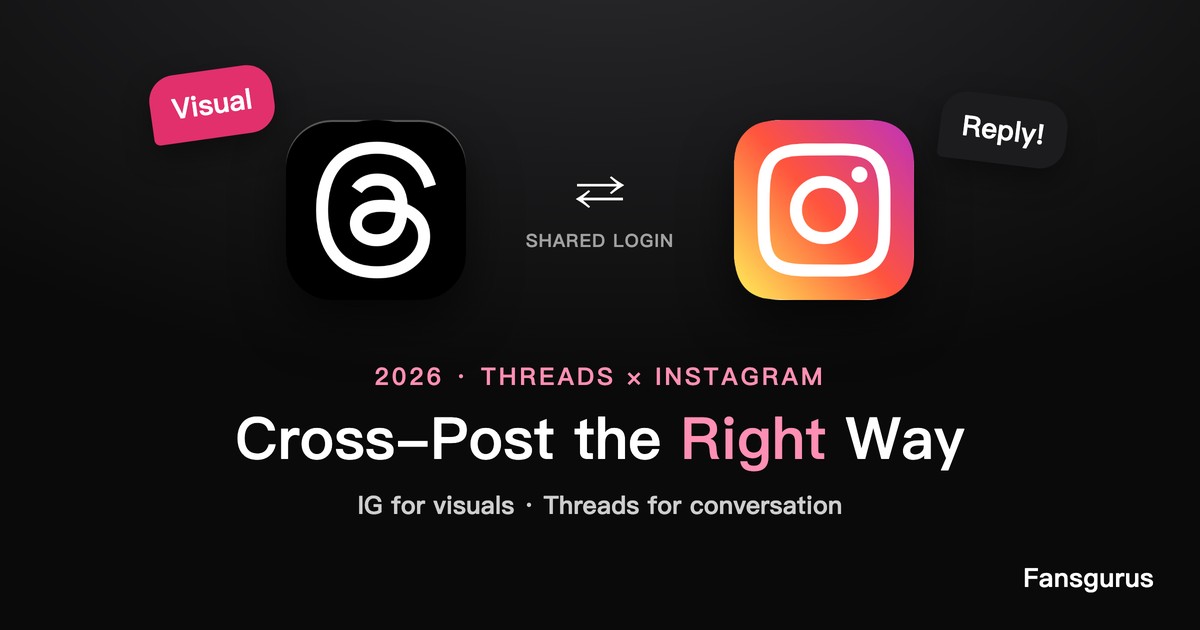
Most people "cross-post" by firing the exact same caption and image to Instagram and Threads at once — and then wonder why both fall flat. That's the mistake. Threads and Instagram share a login and an audience, but they are two completely different games: Instagram rewards a polished visual, Threads rewards a conversation. Posting identical content to both wastes the strength of each.
Done right, the two platforms feed each other. Here's a 2026 cross-posting strategy that uses their shared plumbing without flattening their differences.
1. Understand the Split: Visual App vs Conversation App
Instagram is built around the image and the grid — people come to look. Threads is built around the reply — its algorithm ranks content by conversation velocity, weighting how fast and how deeply a post sparks replies. The same words that anchor a great IG caption often make a dead Threads post, because Threads wants an opening line that invites a response, not a finished statement.
2. Stop Copy-Pasting Identical Posts
When you mirror the same post to both, you optimize for neither: the IG version reads as under-designed, and the Threads version reads as a broadcast with nothing to reply to. Worse, your audience that follows you on both sees the same thing twice and engages with neither. Repurpose the idea, not the post.
3. Strategy 1: Use Instagram to Pull People Into Threads Conversations
Instagram has the bigger, more established audience; Threads has the conversation. Tease a question or a hot take in an IG Story or caption, then point people to the full discussion on Threads ("the whole debate is happening on my Threads — link in bio"). You convert IG's reach into Threads' early reply velocity, which is exactly the signal Threads rewards.
4. Strategy 2: Turn Threads Conversations Into Instagram Visuals
Run it the other way too. When a Threads post sparks a great discussion, screenshot the best exchange or distill the takeaway into a clean IG carousel or Reel. Threads becomes your real-time idea lab; Instagram becomes the polished archive. The same insight earns engagement twice, in each platform's native format.
5. Strategy 3: Share Identity and Audience Deliberately
Because Threads and Instagram share a login, your follower base, profile and credibility carry across. Use that on purpose: enable the option to share Threads posts to your IG feed/story when a post is worth it, keep your handle and bio consistent, and cross-mention so each audience knows you're active on both. A unified, credible presence across both helps each post clear its early-signal threshold faster.
6. Match the Cadence to Each Platform
Threads favors recency and rewards posting at least once a day, plus active replying. Instagram tolerates — and often prefers — a slower, more curated cadence. So don't force the same calendar on both: post lighter, more frequent conversation starters on Threads, and fewer, more produced pieces on Instagram. Let each run at its natural rhythm. For the Threads side specifically, our Threads tutorial covers the posting mechanics, and how to get Threads followers covers audience-building.
Frequently Asked Questions
Q1: Should I post the same content to Threads and Instagram?
A: No. They reward different things — Instagram a polished visual, Threads a conversation. Repurpose the idea into each platform's native format instead of mirroring the exact same post, which underperforms on both.
Q2: How do I grow Threads using my Instagram audience?
A: Tease a question or debate on Instagram and point followers to the full conversation on Threads. This converts Instagram's larger reach into the early reply velocity that the Threads algorithm rewards.
Q3: Can I share a Threads post to Instagram automatically?
A: Yes — because they share a login, you can share Threads posts to your IG feed or Story. Use it selectively for posts worth amplifying, rather than auto-mirroring everything.
Q4: How often should I post on each platform?
A: Threads favors daily, lighter conversation starters plus active replies; Instagram does better with a slower, more curated cadence. Run each at its own natural rhythm rather than forcing one calendar.
📢 If you found this article helpful, feel free to share it with others: